

Are you a visitor? Log in quickly with Qpass from Munily 🏡❗
Are you a visitor who received an access code from Munily?
To log in quickly and securely, follow these simple steps:
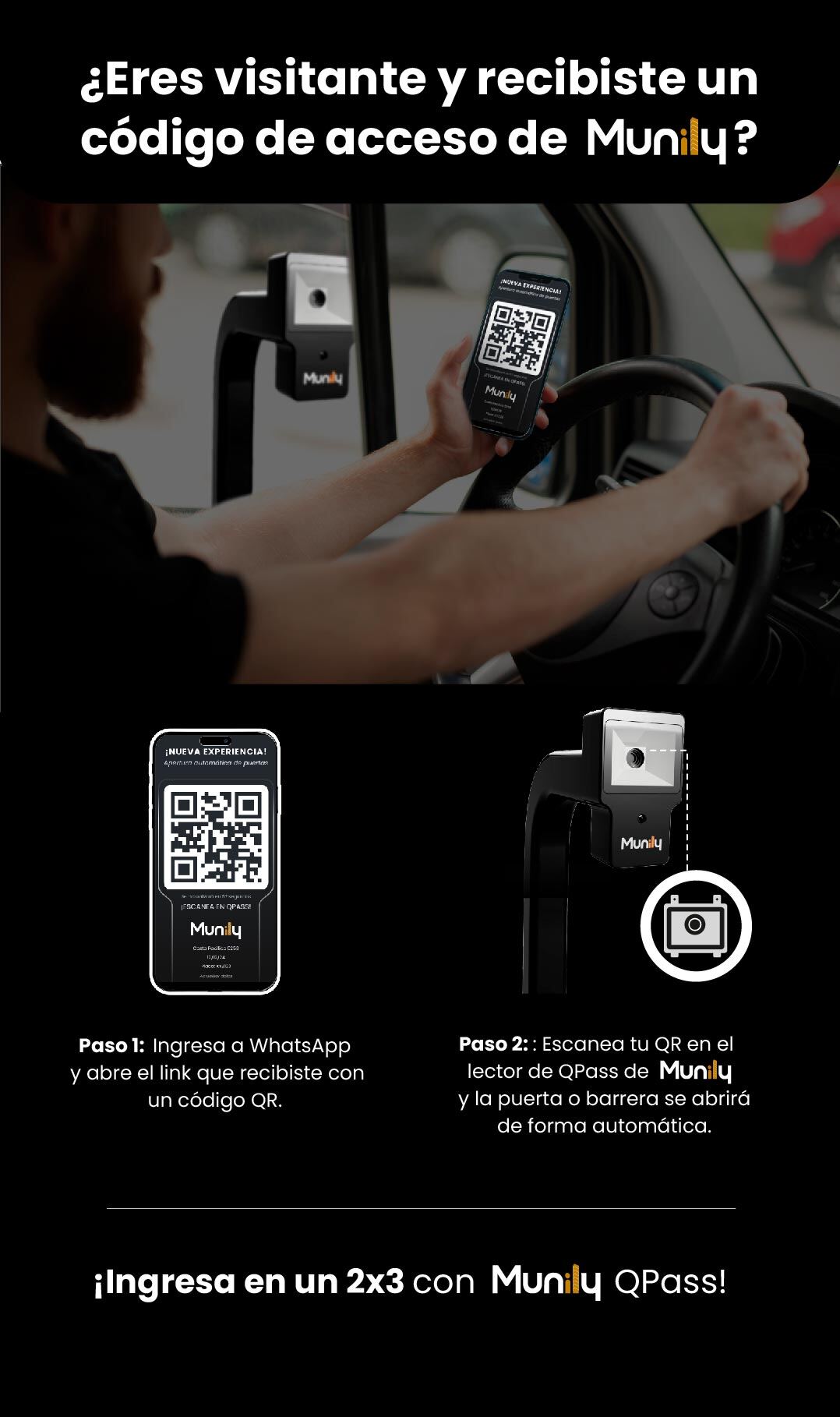
Step 1: Open WhatsApp and click the link you received that contains a QR code.
You’ll see a QR code on your screen similar to the one shown below. This code is your access pass.
Step 2: Scan your QR code using the QPass reader at Munily, and the gate or barrier will open automatically.
Hold your phone with the QR code visible up to the QPass scanner at Munily. The system will recognize it and grant you access.
Get into a 2x3 with Munily QPass!
Guide images
Still need help? Reach us on WhatsApp or at soporte@munily.com.
Con Amor 💙 Munily