

How do I edit the Unidades in the Dashboard?
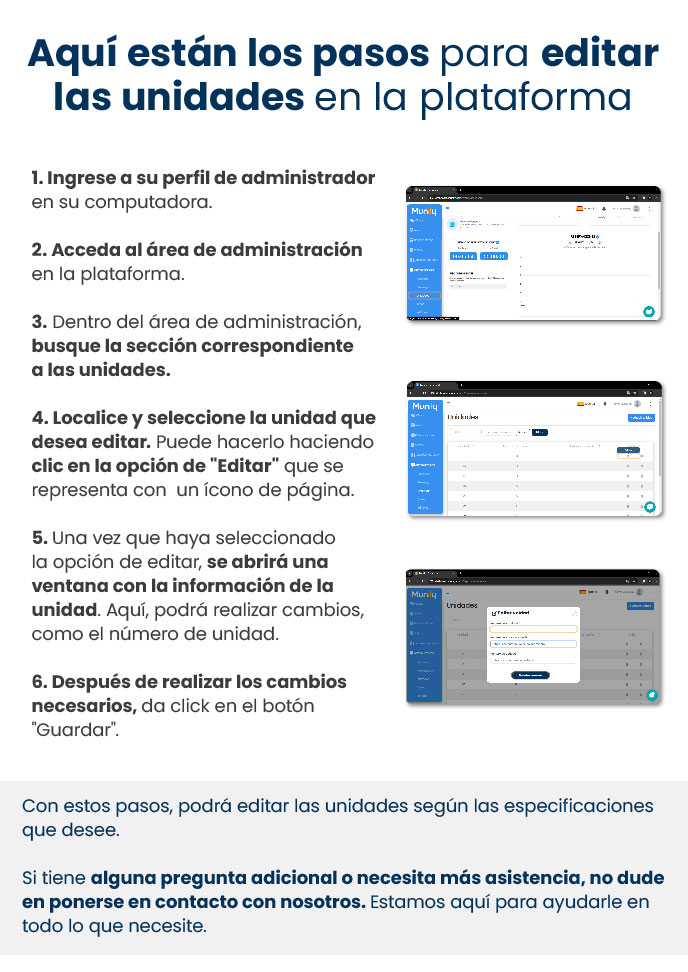
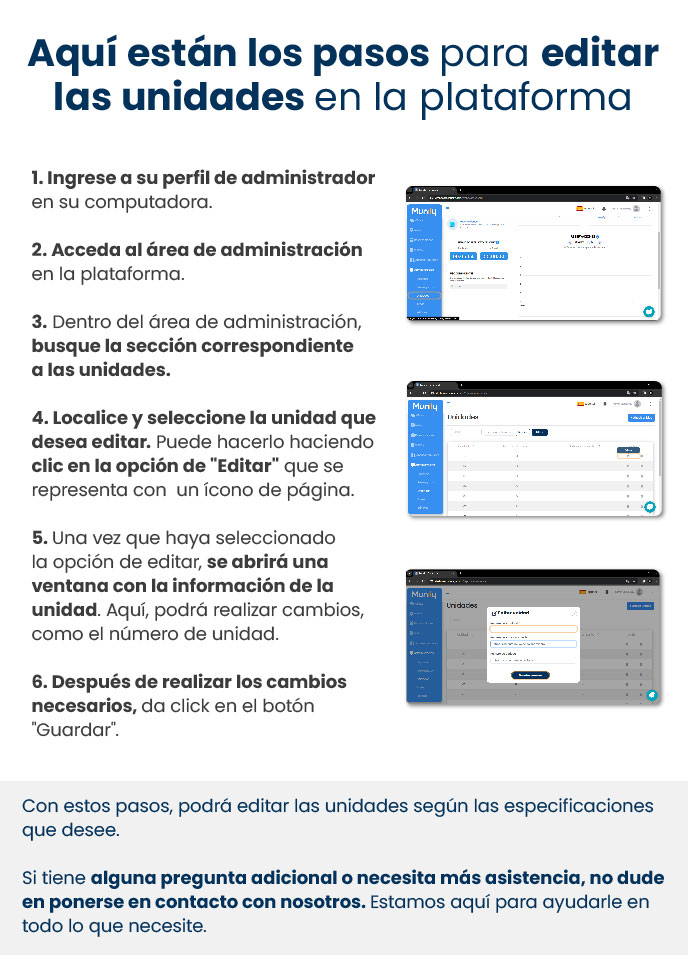
Here are the steps to edit units on the platform:
- Log in to your administrator profile on your computer.
- Go to the property management area on the platform.
- Within the property management area, find the section for units.
- Locate and select the unit you want to edit. You can do this by clicking the "Edit" option, which is represented by a page icon.
- Once you’ve selected the edit option, a window will open displaying the unit’s information. Here, you can make changes, such as the unit number.
- After making the necessary changes, click the “Save” button.
By following these steps, you can edit the units according to your specifications.
If you have any additional questions or need further assistance, please don’t hesitate to contact us. We’re here to help you with whatever you need.
Guide images
Still need help? Reach us on WhatsApp or at soporte@munily.com.
Con Amor 💙 Munily