

MAIA Security Center
Here’s how to use the MAIA Security Center to monitor your visitors’ movements in real time.
Security Center Dashboard
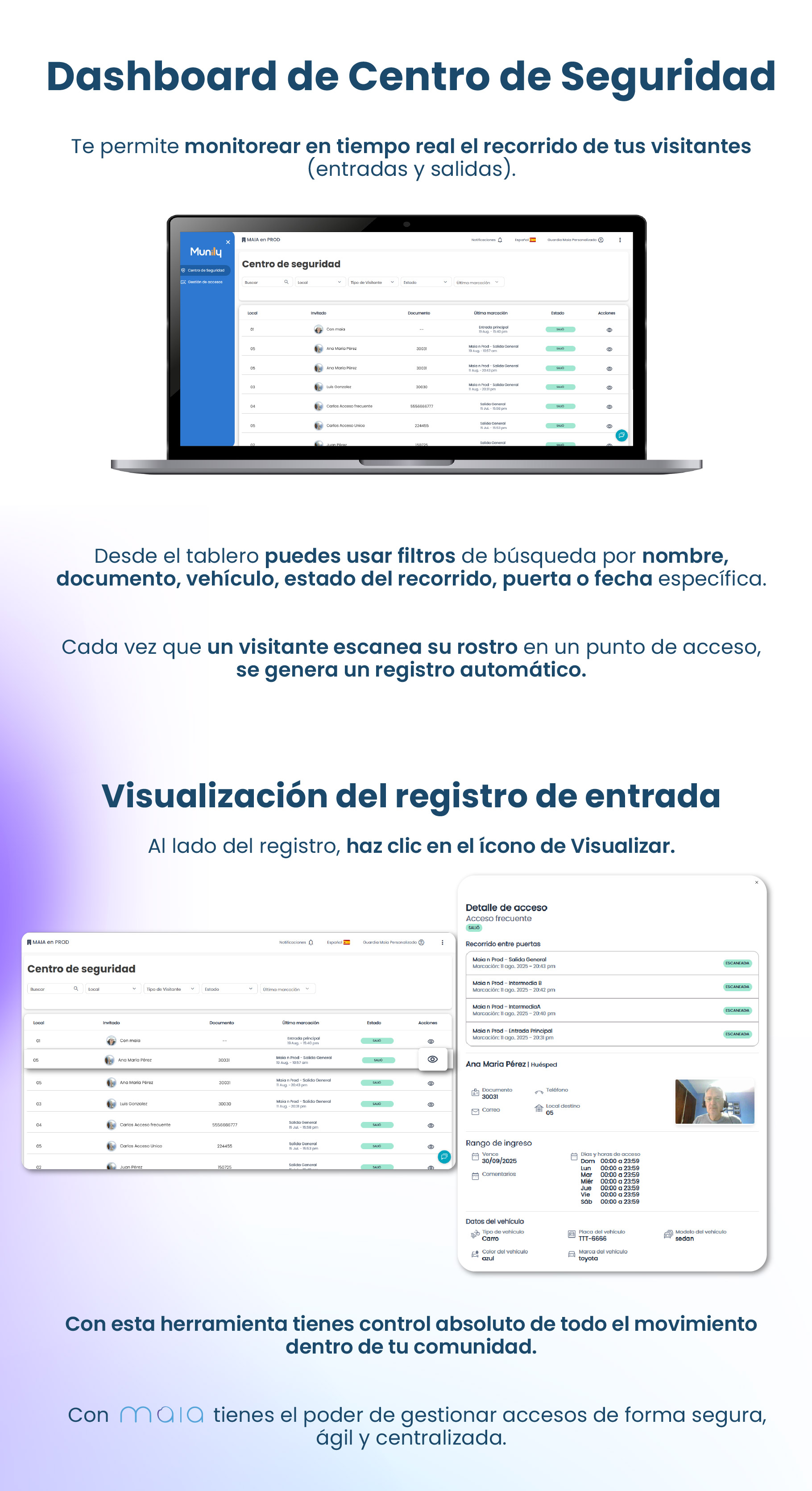
The Security Center allows you to monitor your visitors’ movements (entrances and exits) in real time.
Search Filters
From the dashboard, you can use search filters by name, ID, vehicle, visit status, gate, or specific date.
Every time a visitor scans their face at an access point, an automatic record is generated.
Viewing the Entry Record
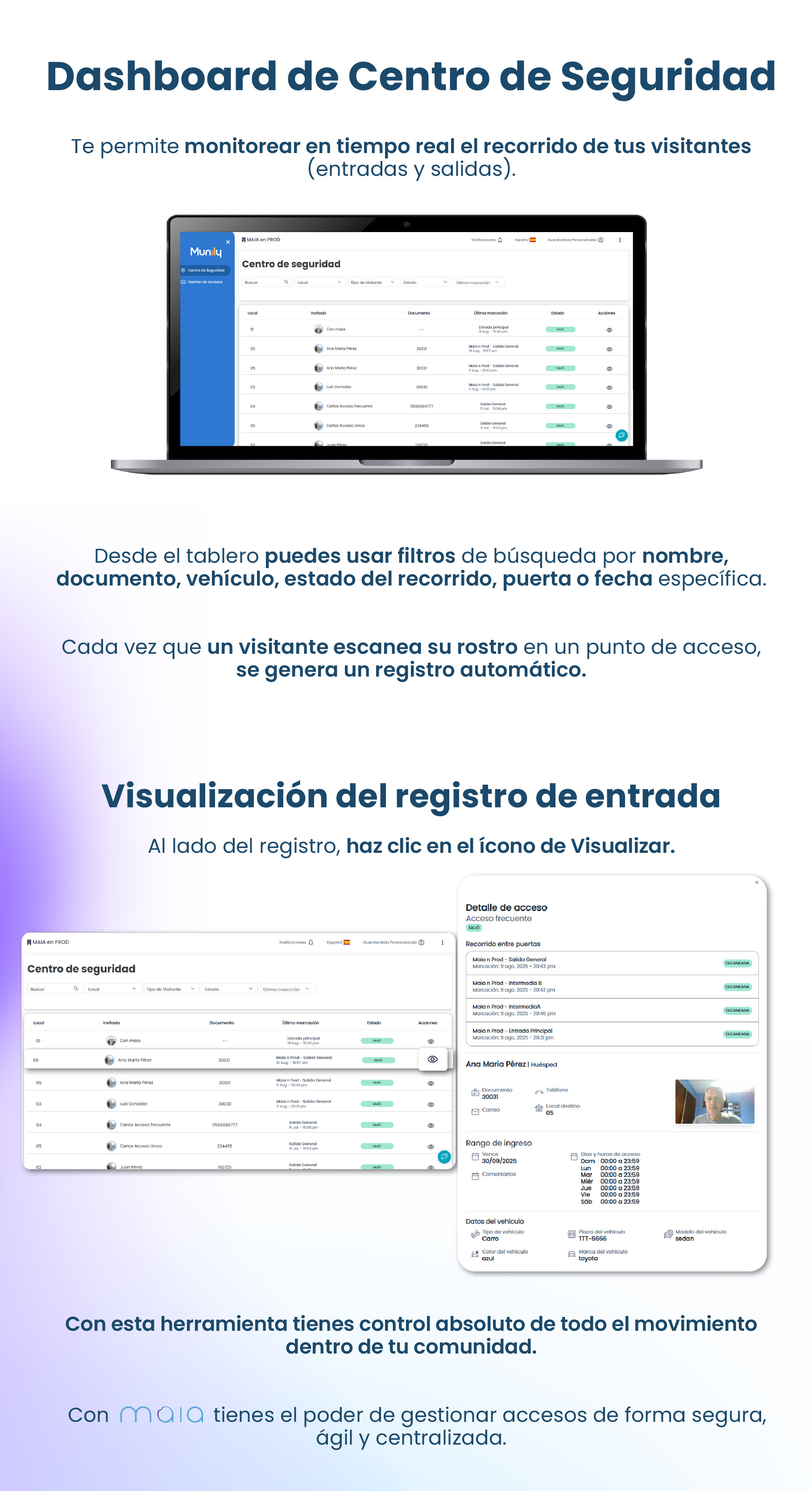
Next to the record, click the view icon.
Steps to View the Record:
- Look at the main table in the "Security Center."
- Locate the row for the visitor whose entry record you want to view.
- In the “Actions” column, look for the eye icon.
- Click the eye icon to open the access details.
Access Details
Clicking the view icon will open a window with the visitor’s access details. Here you can see:
- Frequent Access: Indicates whether the visitor is a repeat visitor.
- Route Between Gates: Shows the different check-ins and the status (entry, exit, intermediate) of each one.
- Each route record includes:
- Event name (e.g., “Maian Prod - General Exit”).
- Date and time of the check-in.
- “SCAN” button (if applicable).
- Each route record includes:
- Visitor Information:
- Visitor’s name (e.g., “Ana Maria Pérez”).
- ID document.
- Email address.
- Phone number.
- Destination location.
- Access Period:
- Expires: Access expiration date.
- Comments: Space for additional notes.
- Access Days and Hours: Specifies the days of the week and the permitted time range for access.
- Vehicle Information:
- Vehicle type.
- Vehicle color.
- License plate number.
- Vehicle make.
- Vehicle model.
With this tool, you have complete control over all traffic within your community. With MAIA, you have the power to manage access securely, efficiently, and centrally.
Guide images
Still need help? Reach us on WhatsApp or at soporte@munily.com.
Con Amor 💙 Munily