

We have some good news for you! We've improved our dashboard.
Hello, Administrator!
We're excited to introduce you to the latest updates designed to improve tracking of visitors to your community!
Overview Visitas (Visits)
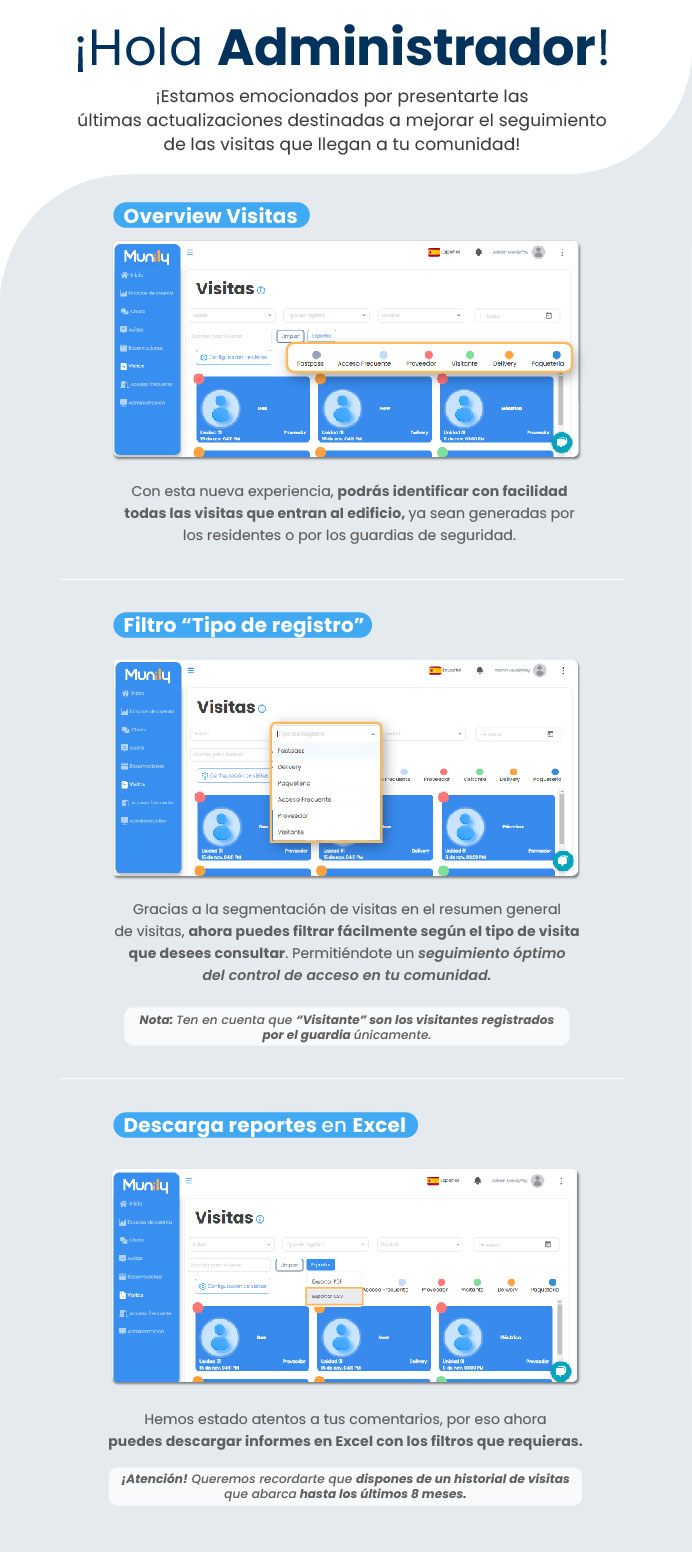
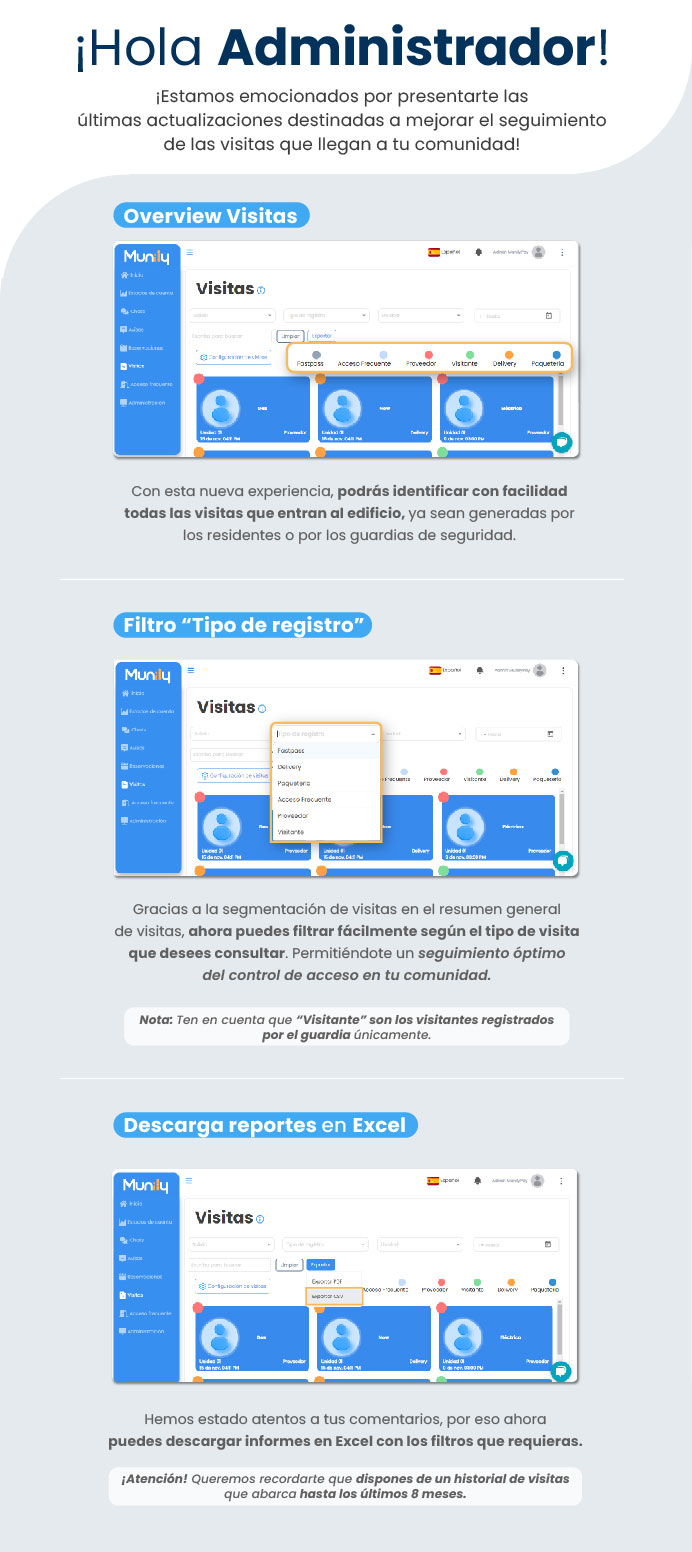
In the “Visitas” section, you can now view a general summary of all entries into the building. With this new feature, you can easily identify all visitors entering the building, whether they were granted access by residents or security guards.
“Log Type” Filter
Thanks to the segmentation of visitors in the general visit summary, you can now easily filter by the type of visitor you want to view. This allows you to optimally monitor access control in your community.
To use this filter, follow these steps:
- In the “Visitas” section, locate the “Log Type” field.
- Click the field to display the available options.
- Select the type of visit you want to filter. Options include:
Fastpass
Delivery (Delivery)
Packages
Acceso Frecuente (Frequent Access)
Proveedor (Service Provider)
- Visitor
Note: Please note that “Visitor” refers only to visitors registered by the security guard.
Download Reports in Excel
We’ve been listening to your feedback, so now you can download reports in Excel with the filters you need.
To download your report:
- In the “Visitas” section, locate the export buttons.
- Click the "Export CSV" button.
Please note! We’d like to remind you that you have access to a visitor history covering up to the last 8 months.
Guide images
Still need help? Reach us on WhatsApp or at soporte@munily.com.
Con Amor 💙 Munily