

What if I can't find the Munily store on my tablet? 🚀
What if I can't find the "Munily" store on my tablet?
Unfortunately, some tablets, such as the Lenovo M10 or others, may have limitations when it comes to the attendance tracking feature. In these cases, download the app by accessing the following link from your tablet:
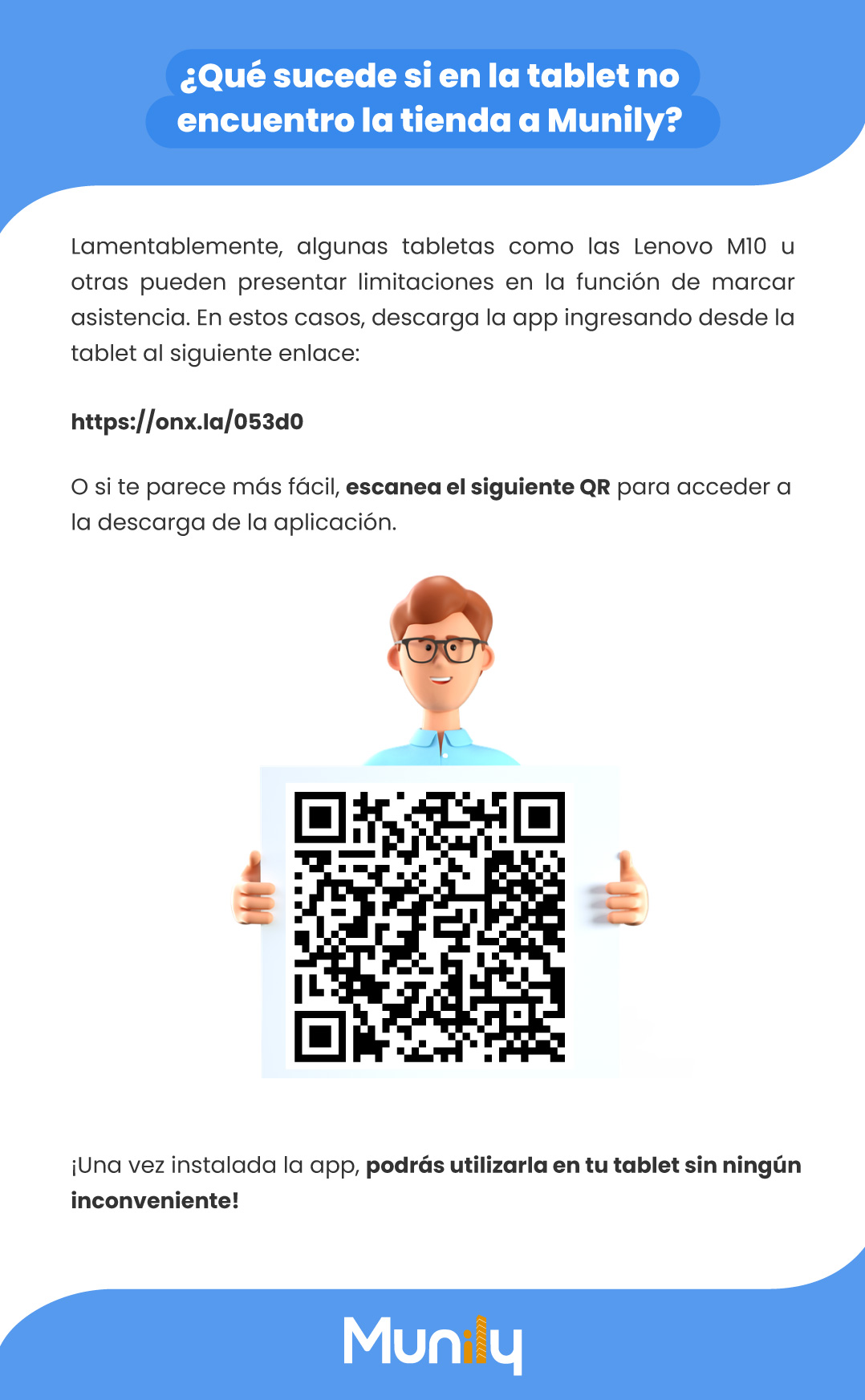
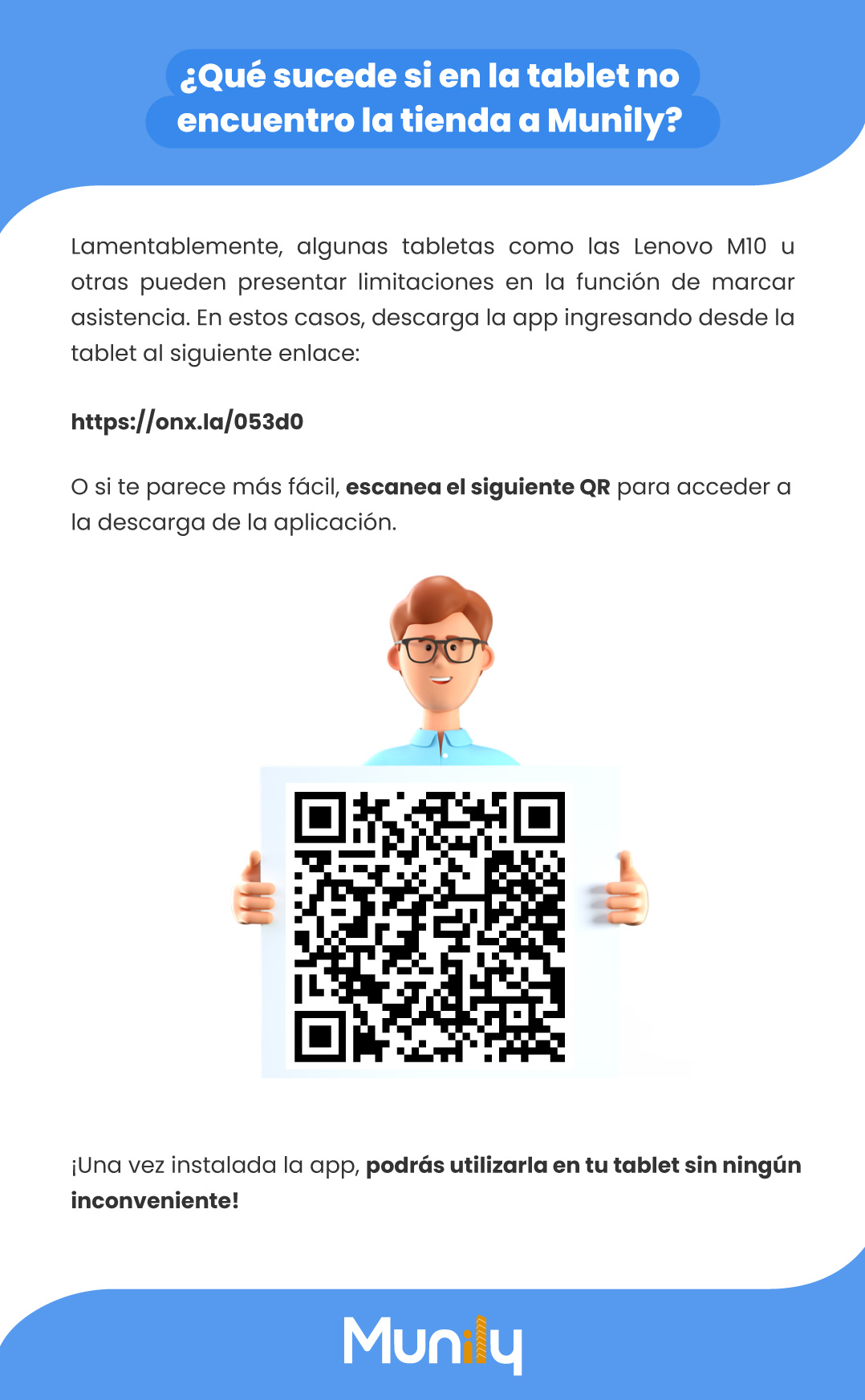
Or, if you find it easier, scan the QR code below to download the app.
[A large QR code is displayed in the center of the screen, held up by an animated figure giving a thumbs-up.]
Once the app is installed, you’ll be able to use it on your tablet without any issues!
[The Munily logo is displayed at the bottom of the page.]
Guide images
Still need help? Reach us on WhatsApp or at soporte@munily.com.
Con Amor 💙 Munily