

What is Qpass, and how can it help your community? 🏡❗
Here’s how QPass works for administrators:
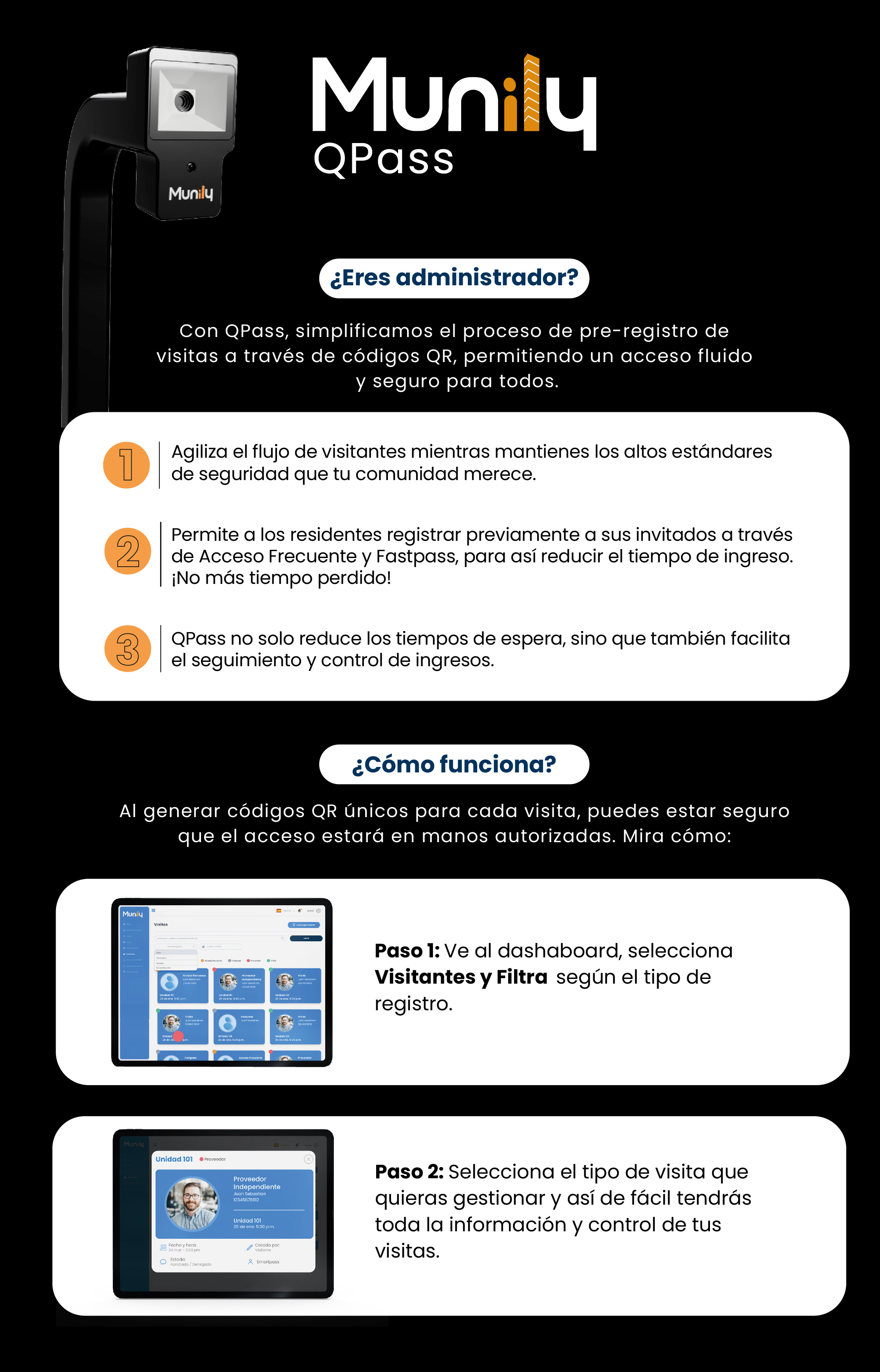
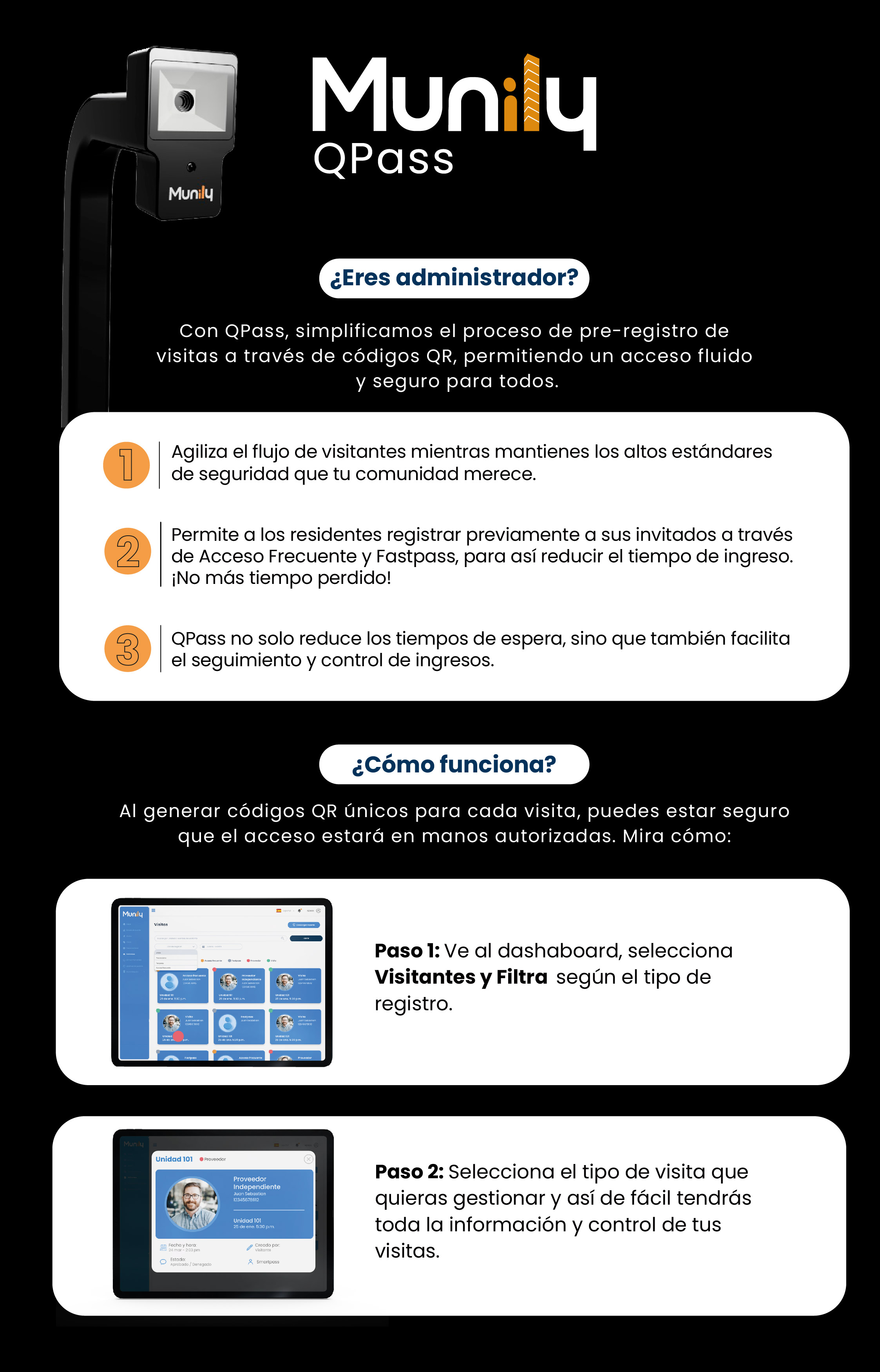
Are you an administrator?
With QPass, we simplify the visitor pre-registration process using QR codes, enabling smooth and secure access for everyone.
- Streamline visitor flow while maintaining the high security standards your community deserves.
- Allow residents to pre-register their guests via Acceso Frecuente (Frequent Access) and Fastpass to reduce entry wait times. No more wasted time!
- QPass not only reduces wait times, but also makes it easier to track and control entry.
How does it work?
By generating unique QR codes for each visitor, you can be sure that access is granted only to authorized individuals. Here’s how:
Step 1: Go to the dashboard, select “Visitantes (Visitors),” and filter by registration type.
On the main screen at Munily, you’ll see a dashboard. Look for the “Visitas (Visits)” section and click on it. Once there, you can apply filters to organize the information based on the type of record you need to review.
Step 2: Select the type of visit you want to manage, and just like that, you’ll have all the information and control over your visits.
Once you’ve applied the filters, you can select the specific type of visit you want to manage. Doing so will give you immediate access to all relevant information and allow you to exercise full control over your visits.
In the “Visitas” section, you’ll see different types of records, such as:
- Acceso Frecuente: For visitors who visit the community on a regular basis.
- Fastpass: For quick, pre-authorized access.
- Independent Proveedor (Service Provider): For workers or service providers.
- Visit: For general visits.
Each record will display details such as the unit, the visitor’s name, the date and time, the status (Approved/Denied), and who created it.
Guide images
Still need help? Reach us on WhatsApp or at soporte@munily.com.
Con Amor 💙 Munily